
Açıklama
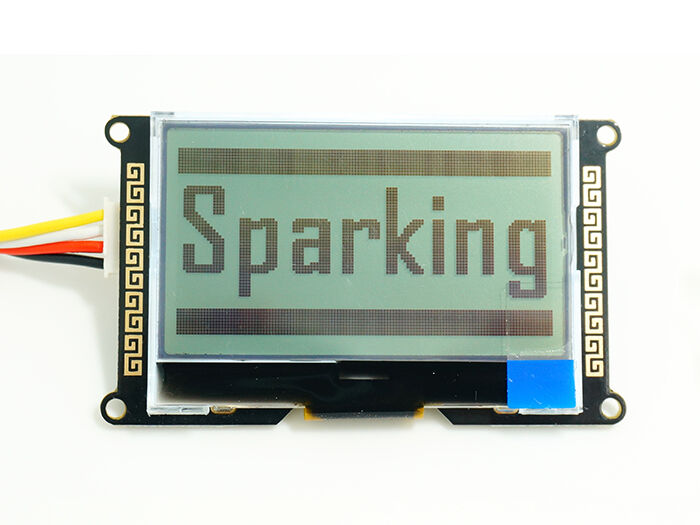
I2C_LCD is an easy-to-use display module, It can make display easier. Using it can reduce the difficulty of make, so that makers can focus on the core of the work.
We developed the Arduino library for I2C_LCD, user just need a few lines of the code can achieve complex graphics and text display features.
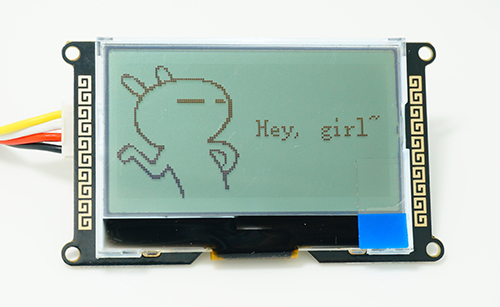
More than that, we also develop the dedicated picture data convert software (bitmap converter),now is available to support PC platform of windows, Linux, Mac OS. Through the bitmap convert software you can put your favorite picture displayed on I2C_LCD, without the need for complex programming.
Features
-
Only 2 Arduino pins are occupied (Use I2C interface).
-
Arduino library supported, use a line of code to complete the display. -
168 ASCII characters can be displayed. -
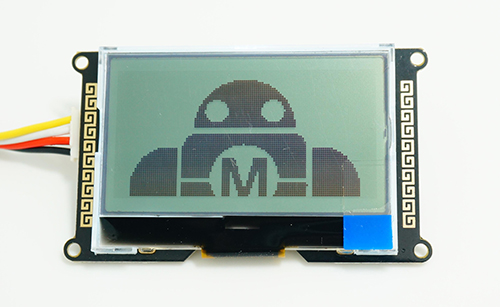
128X64 dual color picture can be displayed. -
Provide dedicated picture data convert software (Bitmap Converter) . -
Adjustable backlight brightness and contrast. -
Support modify device address, can support 127 modules work in parallel. -
Convenient Grove interface. -
China style unique appearance.
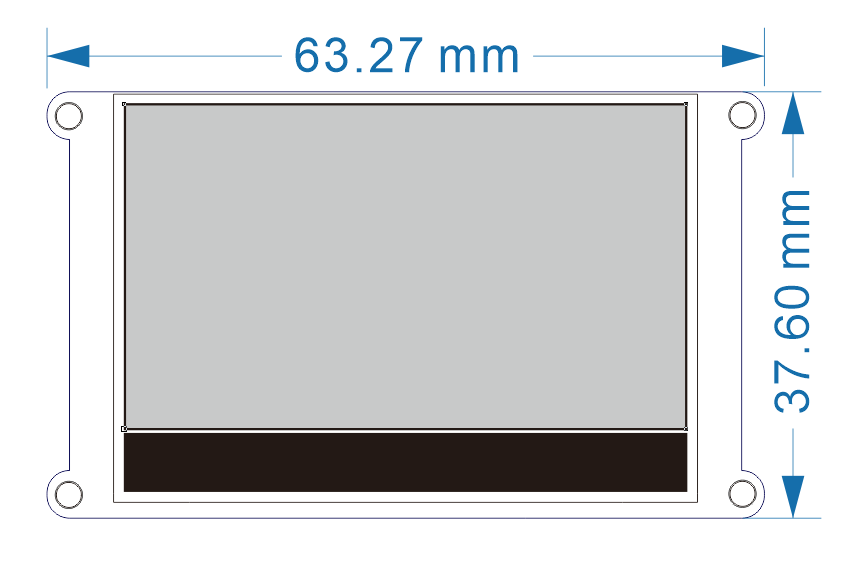
Dimension
Part List
-
1x I2C_LCD -
1x Grove – Universal 4 Pin Buckled 12cm Cable
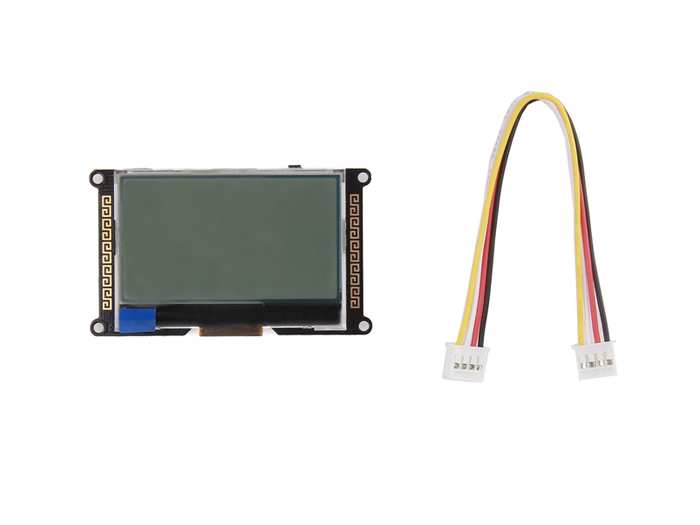
If you want to use I2C_LCD with traditional Arduino boards ( The boards with female connectors, like Arduino Uno and so on ), please refer to another version of I2C_LCD (With 4 pin female jumper to Grove 4 pin conversion cable).
Documentation
Technical support: joney.s@foxmail.com